




Get permission from your recipients. Make sure all of your the customers you will be including on your list, have given you specific permission to send your email marketing to them.
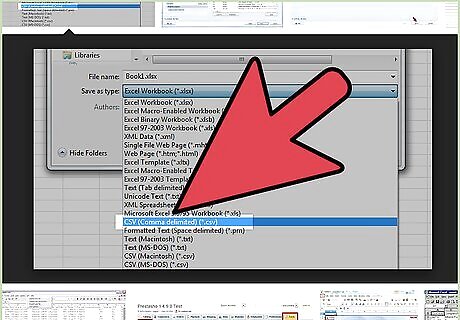
Save your customer data to a .CVS file and make sure you include as much data as possible. Many business owners just upload email addresses. However, email marketing services offer advanced custom "merge tags" that allow you to personalize your emails with customer names, birth dates, anniversary dates, addresses, and more. If you don't include this information in your data merge, you won't be able to personalize your emails as much as you might like.
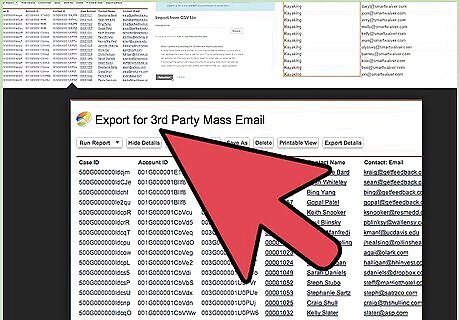
Upload your customer data file to your email marketing provider. Many providers allow free accounts, with limited services and a limitation on the number of emails you will be allowed to send. For instance: Mail Chimp allows free accounts for any database size under 2000 customers.
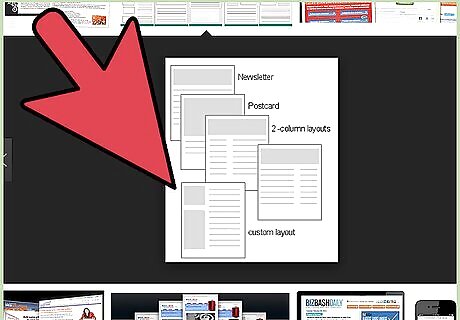
Design your email. Make sure you use crisp graphics and sharp logos. Use colors that match your brand. Keep your message under 200 words. Do not try to cram to much into your message. The rule should be: If the reader can't figure out what the email is about in less than 7 seconds, they will probably delete it. Your image, headline and first sentence should be "on target" with what your email is about.
Stay on point. Don't waste the very limited real estate in your email template to go on and on about who and now great you are, or that this is your first email, or talking about how they can unsubscribe, etc. If you can answer "yes" to one or more of these questions, you have a great chance at retaining your subscribers after your first email (and well beyond). Ask several people you know to answer these questions honestly before you send your email and treat their feedback as gold. Am I offering something of value that my customers would never get in my normal advertising or promotions? Am I providing education to the customer that they would never get, or think of looking for, on their own? Am I offering something entertaining, humorous, insider information with class and exceptionally good taste? Is the email content focused only on my customer (not at all focused on "me")? Am I giving my customers choices to "link" to my social pages and website? Did I establish that future emails will be "valuable" and infrequent?
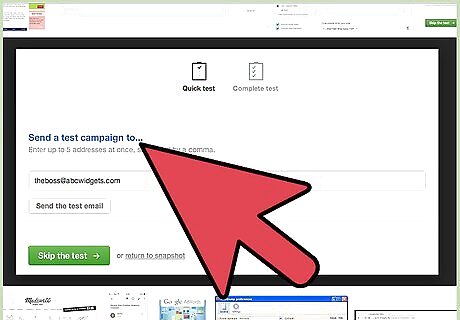
Test send your final draft to yourself and your staff (only). Make sure you open the test draft version on a big computer monitor, a small monitor, a tablet (iPad), a smartphone (Android, iPhone) and in different browsers (Firefox, Chrome, Internet Explorer, etc). The recipients of your emails are using all sorts of browsers and devices. Make sure your email looks good on all of them.
Use links wisely. Make sure you include links to your website and social networking pages (Facebook, Twitter, Pinterest, etc). Make sure all hyperlinks on your email are set to open in a new page so recipients are not pulled away from the email before they are done reading it.
Read federal "CAN SPAM" laws (or your local equivalent). Make sure you are compliant. Abusing "CAN SPAM" laws, even unintentionally, can lead to your IP address being blocked from sending emails. Your email marketing provider is always monitoring your compliance. Don't take any chances!
Be cautious. If you are not confident that your first email meets all of the above standards, do not send it. Start over or find a marketing professional with email marketing expertise to help you, at least for your first launch. This is the most important email you will ever send.
Double check everything. Select the day and time that your email is most likely to be seen, opened and read. Then go for it, and click send!










Comments
0 comment